
What’s your setup? Here’s mine, as of November 2026.
I run claude, codex and agy across several machines, all from Herdr. Some sessions can run for hours before they need me. When one does, I want to see what he asked and get back to his terminal without going through every project to find him. I also want those terminals back when I restart the app.
tl;dr: Herdr keeps my terminals around.
aiqpicks an account, handles quota handoffs and shows me which sessions have questions.undrudgelooks for things I keep doing by hand, using agent logs andatuinhistory. I use Agent Pair for two sessions and Agent Orchestra for a crew.
Tool list
| Tool | What I use it for |
|---|---|
| Herdr | Persistent local and remote terminals in one workspace. |
aiq |
Picking accounts, handling handoffs, reading questions and conversations, checking quotas. |
undrudge |
Finding repeated commands and prompts worth turning into scripts or skills. |
atuin |
Recording shell and agent commands for undrudge. |
| Agent Pair | Connecting two agent sessions. |
| Agent Orchestra | Assigning work and exchanging mail across a crew. |
| Tailscale | Connecting my machines. |
Local models (fm) |
Evaluating on-device tagging, structured output and OCR on the Mac. |
| Jev API | Classifying questions and warnings for Asks. |
Why I ended up with Herdr
iTerm2’s saved arrangements didn’t reliably bring my tabs and panes back. Even when the layout came back, the sessions were gone and I had to restore them one by one.
tmux kept the sessions alive. I had another set of key bindings to remember, and scrolling through a pane worked differently.
cmux mostly worked for me until a crash made it forget several sessions. I couldn’t get it working reliably across machines when I tried it, either. Review took a long time on the fixes I sent, so I went back to iTerm2 and tmux.
Herdr was the first setup where I could restart the app, get my sessions back and move between machines from the same workspace. I added a Herdr backend to aiq and Herdr support to Agent Pair and Agent Orchestra.
I use Spaces to organise work on each machine. The aiq panel and Orchestras & Pairs sidebar let me find a question or an agent and open his terminal.
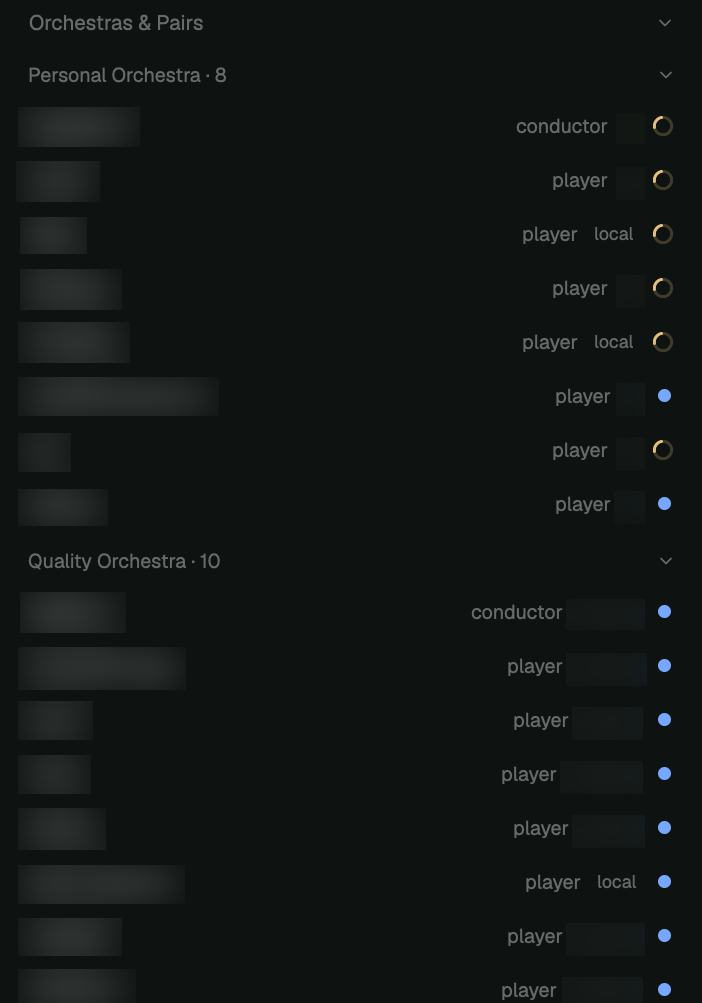
Participating sessions grouped by orchestra. Participant and machine names are blurred; orchestra names, roles and activity indicators remain visible. Clicking a row opens that agent’s terminal.
Sessions opt into the sidebar. The dots show terminal activity; I check the orchestra for who owns a task and whether he’s finished.
What undrudge gets from the logs
I rarely type a shell command myself. When I do, it’s usually something simple or something an agent wrote for me. Hooks for claude and codex also put the commands they run in atuin, so undrudge has that history alongside their session logs.
undrudge sanitizes what it keeps and looks for command sequences, prompts and workarounds I’ve used often enough to turn into a script or a skill. I can hand a recommendation to an agent later without interrupting the session where it came up.
On the Mac I’ve been evaluating Apple’s on-device fm for tagging, structured output and OCR.
When an account runs out of quota
A single Max subscription doesn’t cover this workload. aiq picks from the configured accounts when I launch claude, codex or agy. Workers go through the same routing, including workers started by other agents.
For work that should continue across account limits, I use:
aiq long auto
In a direct Herdr terminal, aiq uses its native backend and replaces the provider process in the same terminal when the account changes. With the same provider, the next session can resume the conversation on another account. Across providers, he gets a handoff note and the working tree. The note says what he’s doing, what’s been checked and what’s left. If all the accounts are out of quota, he waits.
I’ve had sessions change accounts mid-task and keep their seats in the orchestra. One started in agy and continued in claude.
Finding the questions
I open the aiq panel in Herdr with:
aiq ui --herdr
It has Asks, Sessions and Quotas, with data from aiq on each connected machine.
I open Asks, pick a question and read back a few messages if I’ve forgotten what we were doing. When aiq can find the original message, it jumps straight to it. I answer in the terminal. If the workspace now has a different session, Current workspace terminal takes me to the one running there. I can dismiss a stale question and undo that if I need to.
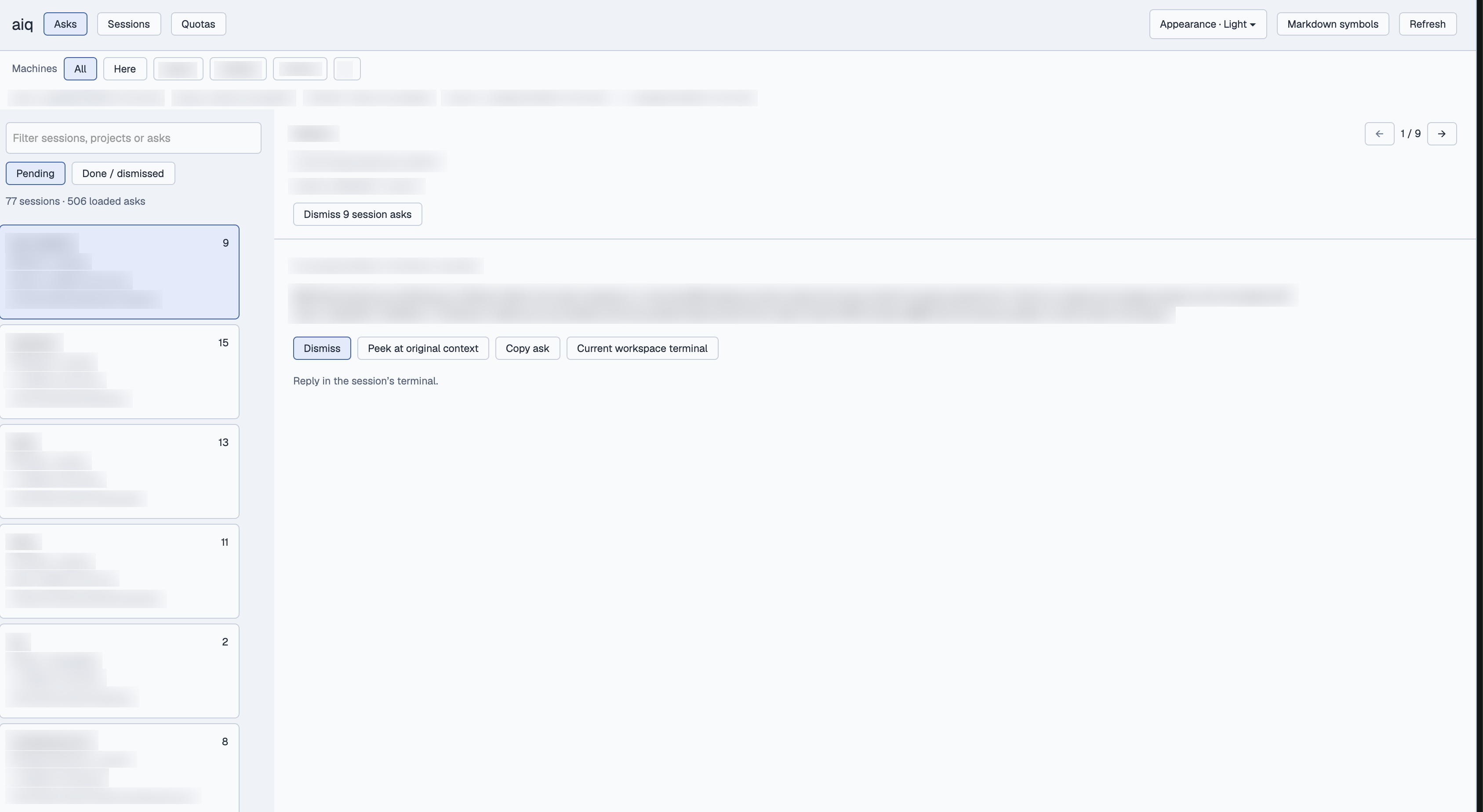
Asks groups requests by session and keeps context and terminal actions beside the question. Identifying details and question text are redacted. Open the image for full size.
I go to Sessions to find a conversation or workspace. The table has filters for live sessions, workers and pending questions. I can still read the history after a terminal has ended.
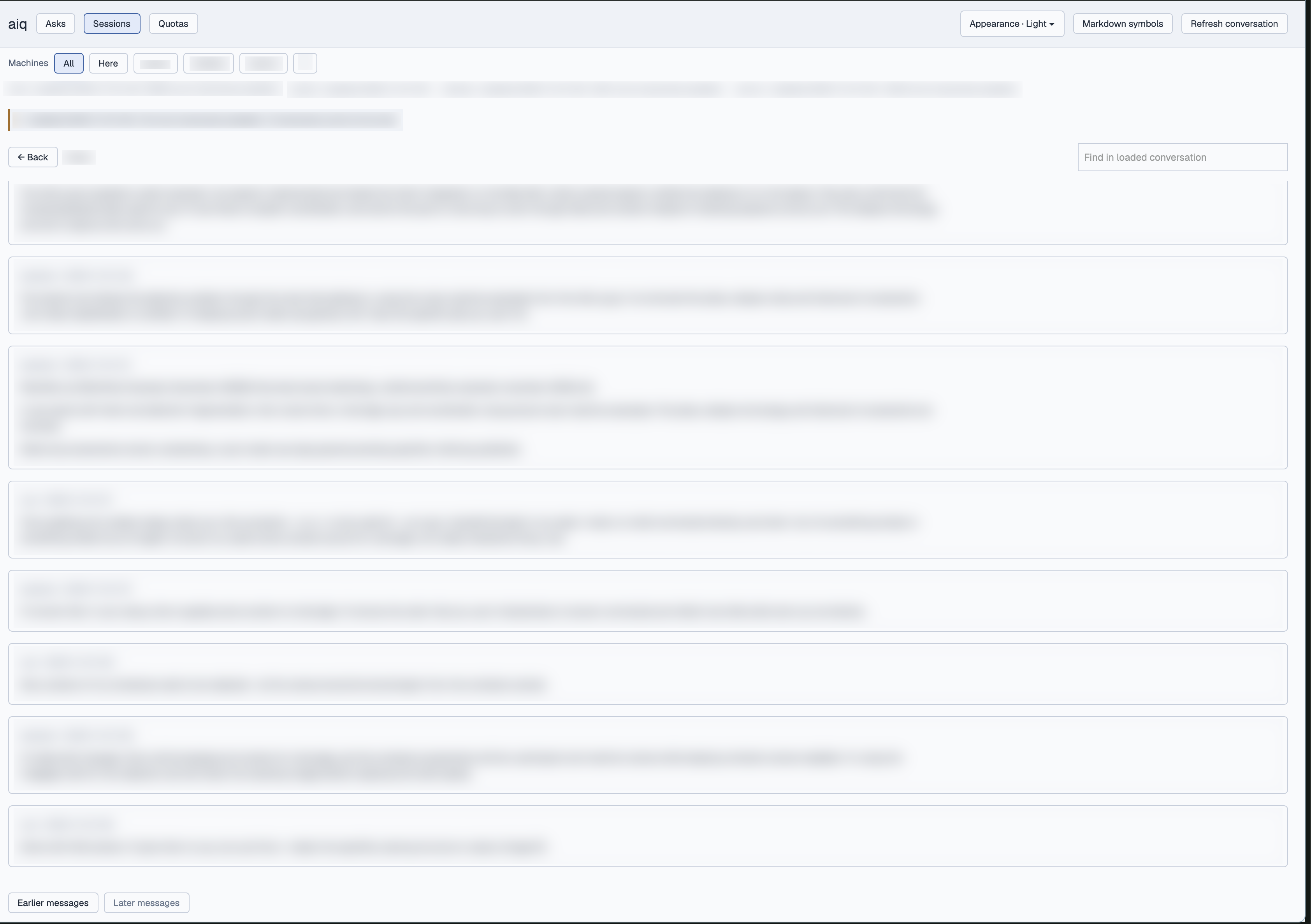
The conversation reader opened from Sessions, with its layout, search and navigation preserved. Message content and identifying metadata are redacted.
I check Quotas for account usage and reset times. It also lists login and authorization commands under the machine where I need to run them.
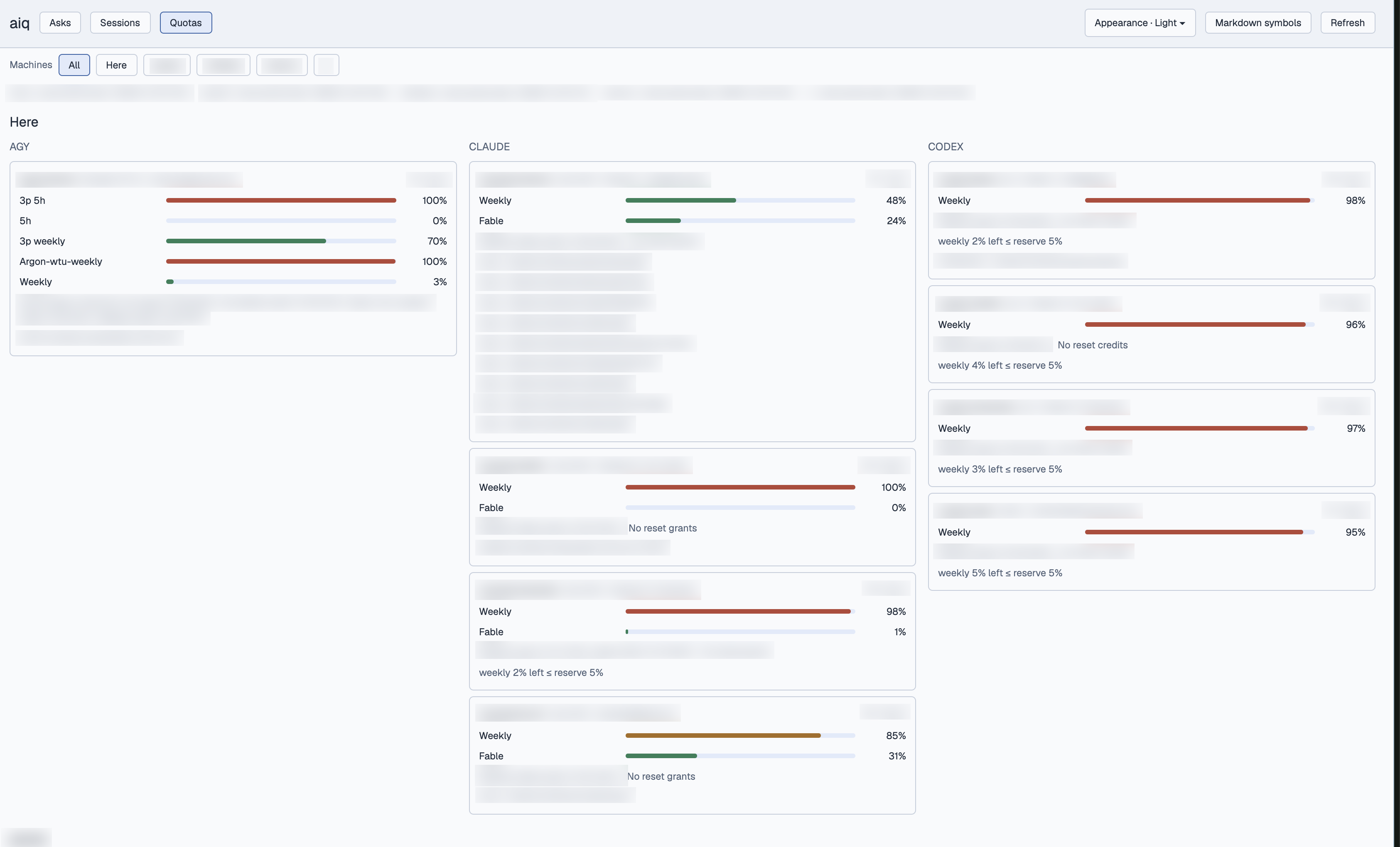
Quotas keeps provider columns, account cards and usage bars visible. Account identities, workspace paths, machine names and timestamps are redacted.
On machines where I’ve enabled the watcher, aiq sends selected user and agent messages from supervised aiq long sessions to TypeSafe’s hosted Jev API. It applies workspace exclusions and makes a best-effort pass at redaction before sending. Jev flags questions and warnings and tries to tell when something’s already settled. I can open the original conversation when it guesses wrong. Other API tools and local-model jobs need their own way to report back.
Working across machines
I used Agent Pair to build the Herdr integration. The agent on the Mini implemented it and ran the tests. His counterpart on the laptop installed it in the desktop app and caught problems I couldn’t see in the Mini’s test results. The two exchanged commits, commands and results directly.
If a build needs certificates on a particular machine, I can keep a build session there and pair him with the implementation session.
For a larger group, I use Agent Orchestra. In the aiq work, the frontend session on the laptop and backend session on the Mini coordinated through the orchestra. The conductor assigns tasks; each owner reports when he starts, returns a commit and verification when he finishes, or sends a blocker.
The hub runs on an always-on machine. Remote members connect over Tailscale; local members can use the LAN. Mail survives a disconnect. I can click a player in Herdr’s sidebar to open his terminal on the other machine.
Ideas to borrow
- Keep handoff notes with the objective, what was tested, what remains and the next commands to run. They’re useful even without automated account changes.
- Put tool manifests, shared instructions and sandbox profiles in a bootstrap repo. Mine includes profiles for browser and microphone access. Keep credentials and per-account state on their hosts.
- Set up Tailscale before spreading work across machines, so the terminal and collaboration tools can reach the same hosts.
- Pair an implementation session with a session on the machine that can run or check the result. Add a conductor when there’s enough work to divide among a crew.
- Add account routing when quota interruptions are costing time, a question queue when you’re missing requests, or
undrudgewhen you keep repeating the same manual work.
What do you use, and what would you change about your current setup?