
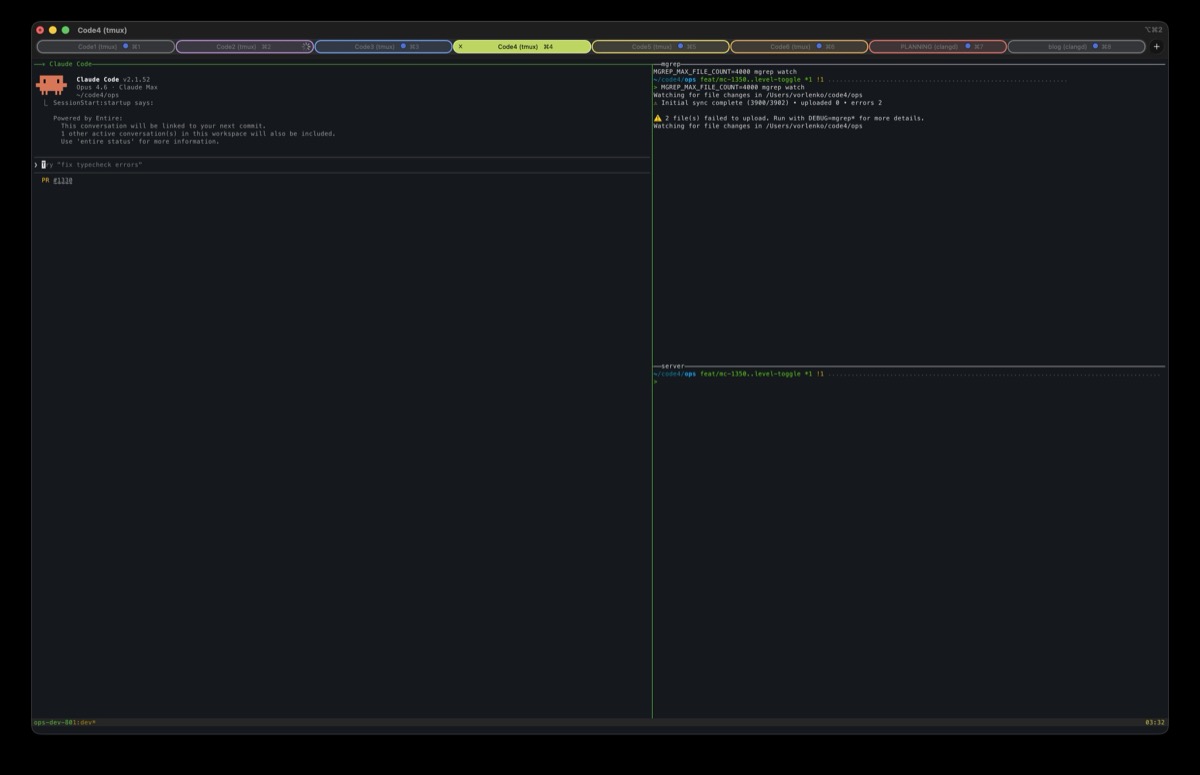
Every time I restart my laptop, the first thing I do is open iTerm2 and manually set up my workspace. The same set of windows, the same tabs with their colors and titles, the same directories. I’ve been doing this for years, and it’s always been just annoying enough to notice but not annoying enough to do anything about.
Today I found out iTerm2 has had a solution for this the whole time. Under Window > Save Window Arrangement, you can snapshot your entire workspace, and Window > Restore Window Arrangement brings it all back. It restores the windows, the tabs, the tab titles and colors, the current directory in each tab, even the iTerm profile used for each panel. It saves the whole context of what you were doing, not just the geometry.
You can also save your preferred arrangement as default, and then iTerm2 just opens that way automatically. You restart your laptop, launch iTerm, and everything is already where you left it.